| Setup step | What it does on the board | Planning use |
|---|---|---|
| modprobe sunxi-cir | Loads the on-board IR driver and registers an input device named sunxi-ir. | Run it by hand first and confirm the device appears before touching LIRC. |
| Append sunxi-cir to /etc/modules, then reboot | Loads the module at every boot. | Make it permanent only after the manual test works. |
| cir overlay on overlay-based images | Provides reception only, with no transmit support. | Fine for remote-control input. Choose other hardware if you need to send IR. |
| lircd –output /run/lirc/lircd | Gives the daemon an explicit socket path where /var/run is a symbolic link. | Use it whenever irw or your own script cannot connect to lircd. |
| irrecord -d /dev/lirc0 /etc/lirc/lircd.conf | Writes your remote’s button definitions into the LIRC configuration file. | Record only after reception is confirmed, and keep a second remote handy. |
These behaviours come from an Armbian forum guide for an Orange Pi PC Plus and a LIRC mailing-list thread about the Orange Pi overlay.
Infrared remote control on Orange Pi Zero with LIRC and Python comes down to a receiver the kernel recognises, a recorded lircd.conf, and a script that reads key names from lircd. Armbian and irrecord cover the first two.
Most tutorials assume a Raspberry Pi. If you are collecting other raspberry pi gpio projects, expect to adapt their IR steps, because the Orange Pi route runs through Armbian’s kernel driver rather than Raspberry Pi tooling.
What changes compared with Raspberry Pi guides
The Orange Pi Zero reads IR through a kernel driver and LIRC, so Raspberry Pi scripts rarely carry over unchanged. Three practical consequences shape how you plan the build.
- Raspberry Pi helper libraries may be missing. A user on the LIRC mailing list reported that pigpio is not ported to Armbian, so a pigpio-based IR script is a poor starting point here. Stay with the LIRC route in this guide.
- Transmit designs solve a different problem. A well-known Raspberry Pi transmit project drives a PWM carrier on GPIO 18 and data on GPIO 17 through an NPN transistor. That is wiring for sending, and you do not need it to receive button presses.
- Documentation may be older than your image. The Armbian forum guide this walkthrough draws on was written for an Orange Pi PC Plus running Armbian 5.25 stable (Ubuntu 16.04.1), not the Zero. Treat its commands as a pattern, and check on your own board that the sunxi-ir device appears before going further.
Receiver hardware and wiring
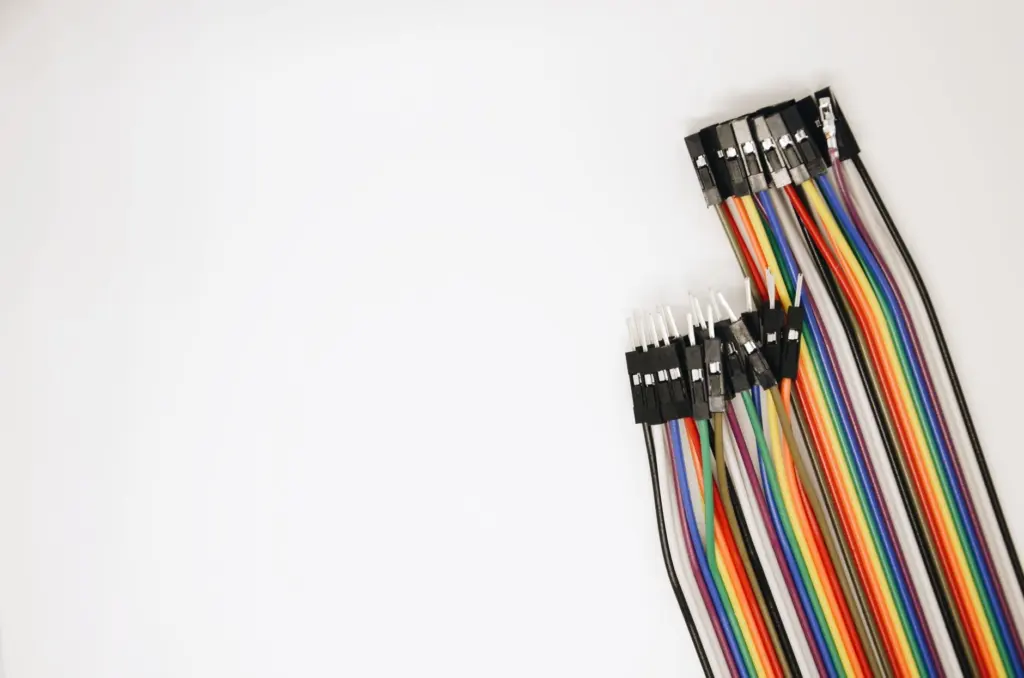
A three-pin receiver module with OUT, GND and VCC pins is the usual add-on. Remotes modulate a 38 kHz carrier with their binary data, so choose a module built to demodulate that carrier. Parts in the TSOP38238 and VS1838B style are common examples.
Before choosing a power pin, read the module’s datasheet for its supply voltage range. Then pick a supply pin on the Orange Pi Zero header that sits inside that range. Wire GND to a ground pin and OUT to the GPIO pin your IR configuration uses. Check that pin against the board’s schematic or the Armbian documentation for your image, because the signal must land where the driver or overlay listens.
Enabling the IR receiver in Armbian
On the PC Plus guide, the receiver is driven by the sunxi-cir kernel module, which you load with sudo modprobe sunxi-cir. Once it loads, an input device named sunxi-ir is registered.
To keep the module across restarts, append its name to /etc/modules with echo sunxi-cir | sudo tee -a /etc/modules and reboot. On newer Armbian images that use device tree overlays, the receiver comes from the cir overlay. Enable it through Armbian’s boot configuration instead of loading the module by hand, and remember it handles reception only.
Run ir-keytable to confirm the driver. On the PC Plus it reported the sunxi-ir driver with the protocols lirc, rc-5, jvc, sony, nec, sanyo, mce-kbd and rc-6, as shown in the Armbian forum guide. If your remote uses a protocol outside the list your board reports, expect trouble recording it.
Installing and starting LIRC
Install the lirc package from Armbian’s repositories with apt. LIRC is the same toolkit people use on small boards such as a Raspberry Pi Zero W to generate IR codes for an AV set-up. Here you use its receiving side.
On this board /var/run is a symbolic link, which breaks the default socket location. The guide’s fix is to create a /run/lirc directory and pass lircd an explicit output path. To run it in the foreground while you test, use:
lircd –nodaemon –device /dev/lirc0 –driver default –output /run/lirc/lircd
The commands and the socket fix are from the Armbian forum guide. Foreground mode shows errors in the terminal, which is the better choice until everything works. Move to a service only afterwards.
Recording your remote into lircd.conf
The recording command is irrecord -d /dev/lirc0 /etc/lirc/lircd.conf. It reads your remote through the receiver and writes the button definitions to the LIRC configuration file, as described in the Armbian forum guide. Follow its prompts and give each button a standard key name such as KEY_OK, because those names are what irw and your Python script will print.
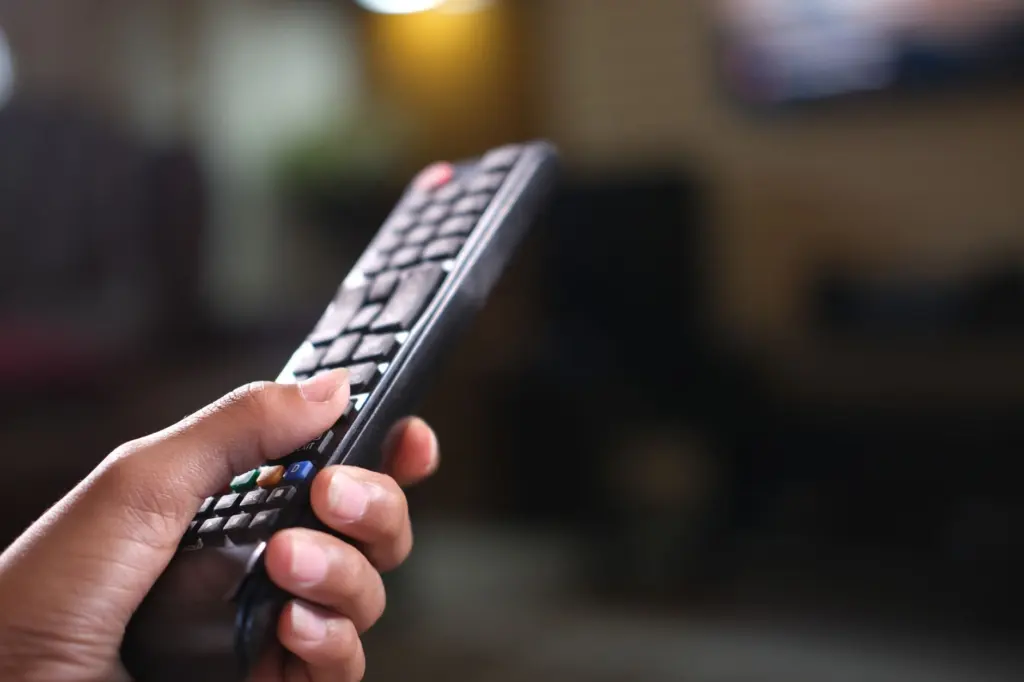
Not every remote records reliably, and the same guide advises having more than one remote for testing. If a stubborn remote fails repeatedly, try a different one before suspecting the wiring.

The finished file holds a block per remote. It starts with begin remote and a name line, for example LG-AKB72915207, followed by settings such as bits 16 and flags SPACE_ENC|CONST_LENGTH. A begin codes section lists each button, and the block closes with end remote. The remote name in that file is the name your listener sees on every event.
Checking button presses with irw
With lircd running and the configuration in place, open another terminal and run irw. Point the remote at the receiver and press a key. Each event prints the button code, a repeat count, the key name such as KEY_OK and the remote name, as shown in the Armbian forum guide.
Hold the remote steady and press once so you can see the repeat count rise only when a button is held. If names appear, reception and the recorded file both work, and you can move on to Python.
Reading buttons from Python
Because irw reads lircd’s output socket, a Python script that connects to the same socket sees the same fields on each line. The sketch below uses only the standard library and the socket path passed to lircd with –output. Adjust the path if you chose a different one.
import socket
sock = socket.socket(socket.AF_UNIX, socket.SOCK_STREAM)
sock.connect(“/run/lirc/lircd”)
for line in sock.makefile():
code, repeat, name, remote = line.split()
if name == “KEY_OK”:
print(“OK pressed on”, remote)
Replace the print call with whatever the project needs, such as a GPIO action or a media command. Decide early whether held buttons should repeat the action. If they should not, ignore events whose repeat count is above zero.
Troubleshooting when LIRC shows no output
No output from irw most often points to the configuration file. The Armbian guide states that if nothing is printed, something is wrong with /etc/lirc/lircd.conf. Work through the checks from the hardware upward.
- Confirm the driver. Run ir-keytable and look for the sunxi-ir driver and your remote’s protocol. If the device is missing, return to the module or overlay step.
- Check the daemon and socket. Make sure /run/lirc exists and lircd was started with –output /run/lirc/lircd, since /var/run is a symbolic link on this board.
- Inspect lircd.conf. Check that the begin remote and begin codes blocks are complete and that button names are present. Re-run irrecord if the file looks truncated.
- Swap the remote. Some remotes simply do not record, so test another before changing anything else.
- Re-check the wiring. Verify OUT, GND and VCC against the module’s datasheet and the pin your overlay listens on.
Frequently asked questions
Can this setup send IR signals as well as receive them?
No. The cir overlay does not include transmission, so it cannot drive an IR LED. A USB option such as the Irdroid transceiver appears as /dev/ttyACM0 through the standard Linux serial ACM drivers and starts with lircd –device=/dev/ttyACM0 –listen=8765.
Should I compile a newer LIRC from source?
Not as a first fix. On the reference board, compiling LIRC 0.9.4b did not fix the receiver problem. Check the driver, socket path and lircd.conf first.
Can I trust mode2 to show the first frame correctly?
A user on the LIRC mailing list reported that mode2 omits the last bit of the first frame on this receive path. Judge your setup by irw output and a recorded configuration instead.
Will the module still load after a reboot?
Yes, if sunxi-cir is appended to /etc/modules, as the Armbian forum guide does. On overlay-based images, keep the cir overlay enabled instead.