| Symptom | First action | Planning use |
|---|---|---|
| Counts go missing when the sketch is busy | Read the encoder from an external interrupt or a timer interrupt instead of polling in loop() | Polling in a busy main loop loses steps, so decide on interrupts before you add displays or motor code. |
| Counts jump or double on a single click | Use INPUT_PULLUP on A and B, then add 0.1 µF from A to ground and 0.1 µF from B to ground | Filters contact bounce in hardware, so the sketch needs less cleanup code. |
| Count rises when you turn the wrong way | Compare A and B at a change: clockwise means A is ahead of B | Fix the sign in software or swap the signal wires. The decoding logic itself is sound. |
The behaviours above come from an Arduino forum thread on encoder wiring and code and the HowToMechatronics encoder tutorial.
An arduino rotary encoder reports rotation as square wave pulses, and your sketch needs both output channels to get direction as well as count. This guide wires it to an Uno, decodes it, cleans up noise and turns counts into RPM.
If you are choosing what to build around it, our arduino robotics projects collection shows where encoders fit alongside motors and sensors.
Wiring the encoder to an Arduino Uno
You need an Arduino Uno, an encoder module with CLK, DT and SW pins, a breadboard and jumper wires. The result is a sketch that prints a count rising in one direction and falling in the other, plus a button press from SW.
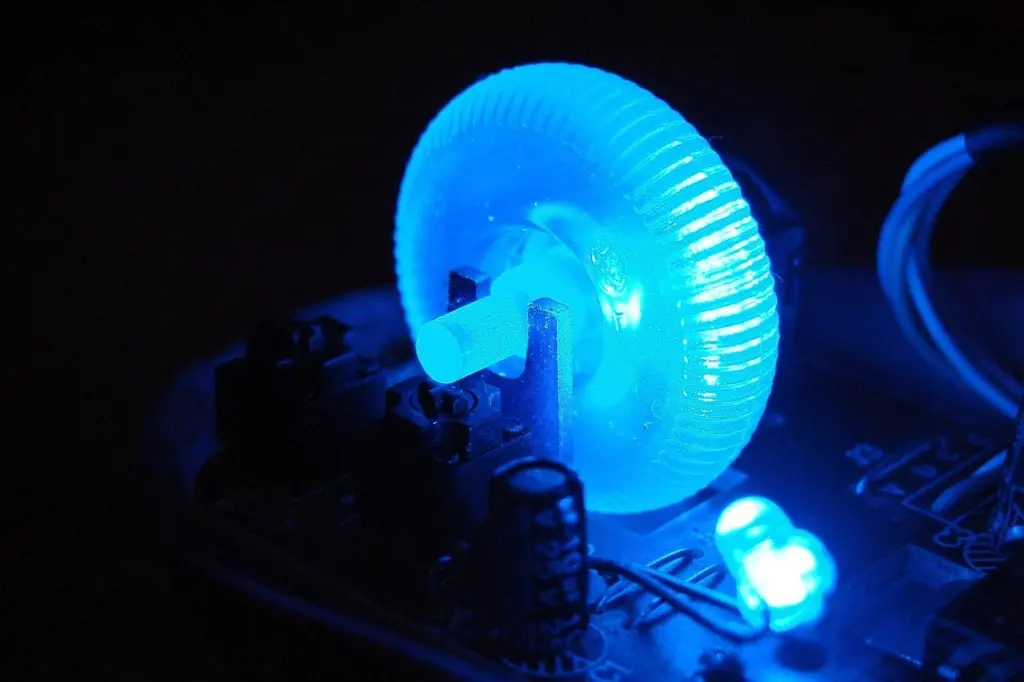
SunFounder’s Uno rotary encoder lesson covers the same three jobs: rotation direction, counting and button press. In that setup CLK and DT are read as inputs, and SW is the push-button built into the shaft.

Put CLK on a pin that supports external interrupts, because that is the pin you will attach the interrupt to later. DT can go on any input. Check your module’s printed labels first, since boards name their pins differently.
How quadrature decoding gives direction
An incremental encoder’s output is a series of square wave pulses, as the HowToMechatronics tutorial explains. That is the main difference from a potentiometer, which you read as a single setting. With an encoder your sketch keeps a running count of the pulses.
A quadrature encoder has two outputs, A and B, displaced 90 degrees out of phase. Turning clockwise makes A lead B. Turning the other way reverses the order. Direction therefore comes from which channel changes first, not from the pulses alone.
The SunFounder lesson turns this into a simple rule, as listed below.
- Trigger on CLK. A change in the CLK state means rotation has occurred.
- Compare DT with CLK. If DT differs from CLK, the rotation is counterclockwise. If they match, it is clockwise.
- Know your counts per turn. The module in the tutorial makes 30 counts each full cycle. Other modules differ, so take the figure from your own datasheet before doing any speed maths.
The comparison only works if you read DT at the moment CLK changes. That timing requirement is why interrupts matter.
Reading the encoder with interrupts
Polling the encoder in loop() works on an idle sketch and fails on a busy one. A forum reply on the encoder wiring thread warns that when the main cycle becomes busier you will get missing steps. It recommends an external interrupt or a timer interrupt for stable results.
For an Uno, the external-interrupt route is the simpler of the two. The pattern is:
- Attach an interrupt to the CLK pin with attachInterrupt, using digitalPinToInterrupt to convert the pin number, and trigger it on a change.
- In the handler, read DT and compare it with CLK using the rule above, then add or subtract from a counter.
- Declare that counter volatile, since the handler and loop() both touch it.
- In loop(), copy the counter and print it or use it. Keep the handler itself short so it never delays the next pulse.
Choose a timer interrupt only if the encoder is on pins without external interrupts. It samples at a fixed rate instead of reacting to each edge.

Fixing noisy and wrong counts
Once the interrupt is in place, remaining faults usually trace to contact bounce or a reversed sign. Work through these in order.
Doubled or jittery counts
The forum advice is to set the A and B pinModes to INPUT_PULLUP, as you would for a switch. The inputs then idle HIGH and pulse LOW, so your handler should expect LOW pulses. It also suggests a 0.1 µF capacitor from A to ground and another from B to ground to debounce the contacts.
Fit the capacitors first. They cost little and leave the sketch unchanged, so they are the better first fix over extra debounce code in the interrupt handler.
Button presses that register twice
The push-button on SW bounces separately from the rotation channels. The SunFounder lesson handles this in software: a press counts as valid only if more than 50 milliseconds have passed since the last press, and the loop includes a short delay(1). Apply that timing check to the button only. Keep rotation on the interrupt path.
Counts in the wrong direction
If the count falls when you turn clockwise, the decoding is intact but the sign is reversed. Swap the increment and decrement in the handler, or swap the CLK and DT wires. Either change is enough. Do both and you cancel the fix.
Converting encoder counts to motor RPM
The same count that tracks a knob can measure a motor shaft when the encoder or disc turns with it. The method is to count pulses over a fixed interval, convert to revolutions, then scale to a minute.
- Record the counter at the start of an interval, then again at the end, and take the difference.
- Divide that difference by the counts per revolution for your encoder. The example module in the HowToMechatronics tutorial makes 30 counts each full cycle, but use your own datasheet value and count the same way it assumes.
- Scale the revolutions in the interval up to a minute to get RPM.
- Keep the sign from the decoded direction if you want signed speed.
Choose the interval as a trade-off. A longer interval gathers more counts and gives a steadier reading, while a shorter one reacts faster to speed changes. Start long, then shorten it until the reading follows your motor without jumping.
This closed-loop feedback is also what separates a DC motor with an encoder from a stepper that assumes it moved. If you are comparing the two, our guide to arduino stepper motor control covers the stepper side.
Checkpoints before you trust the count
- Direction check. Turn clockwise slowly and confirm the count moves one way, then reverse and confirm it moves the other.
- Load check. Add the rest of your sketch, such as display or motor code, and turn the shaft briskly. Missing steps mean the reading is not yet interrupt-driven.
- Noise check. Hold the shaft still between clicks. A count that creeps points to bounce, so revisit the capacitors.
Stop tuning once these three pass. The same habits of short handlers and clean inputs carry to other sensors, such as the arduino pir motion sensor.
Frequently asked questions
| Question | Answer |
|---|---|
| Which pins can the encoder outputs connect to? | The HowToMechatronics tutorial says the output pins can connect to any digital pin, and it uses pins 6 and 7. For interrupt-driven reading, pick a pin that supports external interrupts. |
| Does the SW button need an external pull-up resistor? | No. The SunFounder lesson sets SW to INPUT_PULLUP, which prevents the need for an external pull-up resistor. |
| Why does the signal read HIGH when nothing moves? | With INPUT_PULLUP on A and B, the inputs idle HIGH and go LOW on each pulse, the same as a switch. |