| Symptom | First action | Planning use |
|---|---|---|
| Raw reading barely changes between dry and wet soil | Re-seat the probe at the same insertion depth, inside the maximum depth marking, and record the dry and wet values again | Calibration only holds if the depth is repeatable, so mark the depth before you start |
| Readings drift or jump when a power supply or metal object is nearby | Move metallic objects and power supplies away from the probe, and keep two sensors apart | Plan the layout of pot, supply and pump before fixing anything in place |
| Output looks wrong on a 3.3V board | Check the timer chip: the NE555 has a specified minimum supply of 4.5V, while the TL555C is designed for 3.3V | Choose a module with a 3.3V-designed timer, or supply the sensor at 5V |
| Probe corrodes or fails in a damp pot | Replace the resistive probe with a capacitive sensor | Pick capacitive for anything that stays in soil long term |
| Soil stays soggy after watering | Shorten the pump burst and wait before the next reading | Overwatering can lead to root rot and reduced oxygen in the soil |
| Pump does not start | Confirm the pump has its own supply inside its 3-6V DC rating and is switched through the relay | Size the pump supply separately from the sensor supply |
Behaviours and ratings in this table come from Makerguides’ capacitive sensor tutorial and the techiesms soil moisture sensor listing.
An arduino soil moisture sensor waters a plant reliably only when you calibrate its raw analog reading and switch the pump through a relay. Choose a capacitive sensor over a resistive one, then add a short timed watering cycle.
This build is one of the arduino robotics projects on the site. If you are still deciding which board suits a project like this, read arduino vs raspberry pi for robotics. You need an Arduino Uno, a sensor, a relay module, a small DC water pump with its own supply, and a reservoir with tubing. The outcome is a pot that waters itself in short bursts and stops when the soil reaches your target.
Choosing a capacitive sensor over a resistive probe
A capacitive soil moisture sensor is the better choice for a permanent pot. A resistive module is cheap but wears out where it touches the soil.
How resistive probes work and why they corrode
On a resistive module, the two probes act as variable resistors. Dry soil conducts electricity poorly, so it gives a higher resistance than wet soil. That design means the measuring surface must sit directly in the soil. Exposed electronics corrode and fail fairly quickly in a moist and dirty environment, and a plant pot is exactly that. If you already own a resistive module, use it for short experiments and for learning the calibration routine, not for a pot that must run unattended.
How a capacitive sensor measures moisture
A capacitive sensor measures the volumetric water content of the soil. Its probe has a positive and a negative electrode, and the soil between them acts as the dielectric of a capacitor. The module turns that into an analog voltage that an Arduino analog input can read as a moisture value. Because the reading depends on the soil around the probe, it is a relative measure, and you must convert it yourself. The raw signal is uncalibrated and has to be turned into a percentage before a threshold means anything.
- Choose capacitive for a pot that stays wet and dry repeatedly over months.
- Keep resistive for a quick test of the sketch logic before you buy the better sensor.
- Use the analog output for decisions. The module listing notes that the analog output is the more accurate of the two, while the digital pin comes from an LM393 comparator and only switches at a preset level.
Wiring the sensor to the Arduino Uno
Wiring the sensor takes three connections: supply, ground and the analog signal. The capacitive module has a connector with three pins for supply voltage (VCC), ground (GND) and analog output (AOUT).
Pin connections
- VCC goes to the board’s supply pin. A bare resistive module lists the same supply and ground pins, plus a digital output (DO) that you can leave unconnected.
- GND goes to a board ground, which the pump circuit will share later.
- AOUT goes to an analog input pin on the Uno. The sketch reads this pin to create the moisture reading.
Supply voltage and output range
The capacitive module accepts a supply between 3.3V and 5.5V with an operating current below 5mA, so it runs from either the 3.3V or the 5V level that an Arduino Uno offers. The nominal analog output sits between 1.5V and 3V. In the author’s measurement at a 5V supply, the output was 2.24V in air and 1.26V in water. So expect the reading to fall as the soil gets wetter, the reverse of what many people assume.
If you run the sensor at 3.3V, check the timer chip. The same tutorial explains that an NE555 has a specified minimum of 4.5V, so a 3.3V regulator can leave it underpowered. A TL555C is the better option because it is designed for 3.3V. When the module does not state its timer, the 5V supply is the safer choice.
Placement and interference
Place the probe at a fixed depth, away from metal and away from other sensors. Each of these changes the raw number without any change in the soil.
- Insertion depth. Make sure the insertion depth is always the same and stay within the maximum depth marking, so the electronics above the line stay out of the soil and water.
- Metal and power supplies. Metallic objects and electromagnetic fields from power supplies affect the readings. Keep the pump supply and the reservoir’s metal fittings clear of the probe.
- Neighbouring sensors. Capacitive sensors interact when placed close together. Give each pot its own probe and separate them rather than sharing one container.
A drifting number after you move a cable or a supply is a placement problem rather than a dry plant. Fix the layout first, then calibrate, because calibration values are only valid for the arrangement you measured them in.
Calibrating dry and wet values
Calibration means recording a dry reading and a wet reading for your own soil and probe, then converting every raw reading into a percentage between them. Do this with the probe already fixed in its final position.
Taking the two reference readings
- Print the raw analog value to the serial monitor from a short test sketch.
- Insert the probe to its marked depth in dry soil and note the steady value.
- Water the pot thoroughly, let it drain, and note the steady value again at the same depth.
- Write both numbers into your sketch as the dry and wet constants.
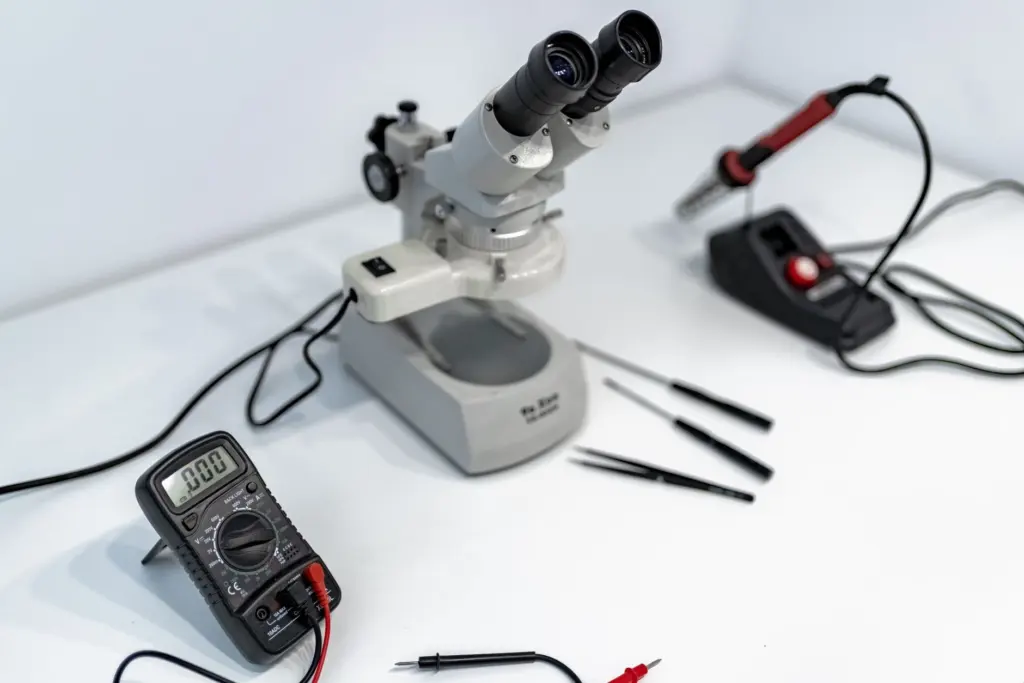
You can also check the voltage on the output pin with a multimeter. The published readings of 2.24V in air and 1.26V in water show the sort of span to expect, but every module differs, so use your own pair of numbers rather than those.
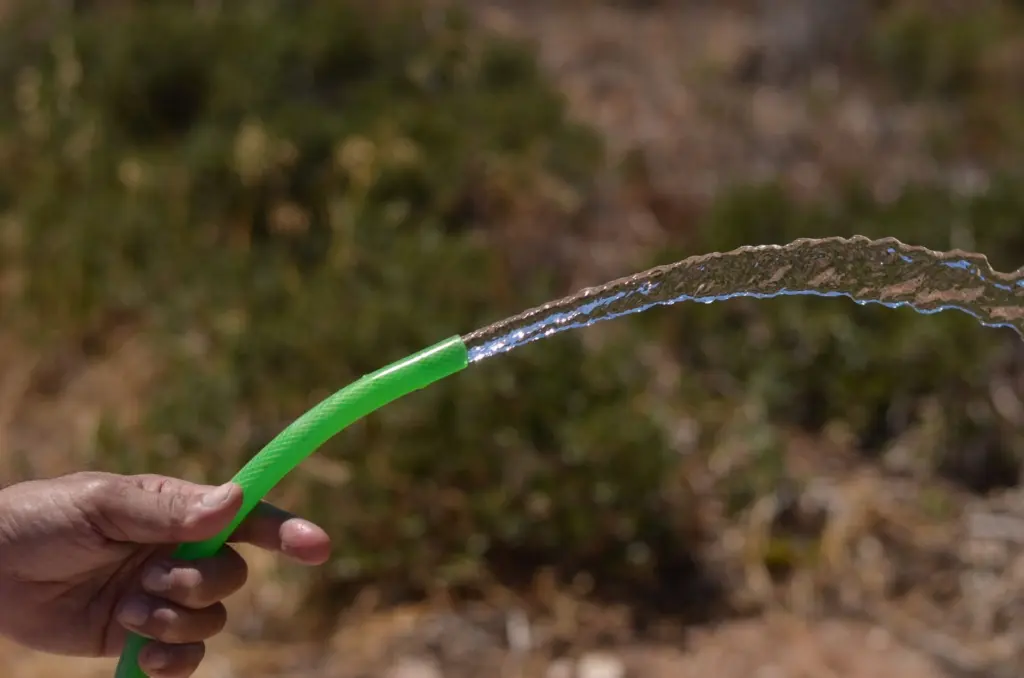
Turning readings into thresholds
Map the raw value onto a percentage using the dry and wet constants, so that a high percentage means wet even though the raw voltage falls. Then set two decisions: a dry threshold at which watering begins, and a wet target at which it stops. Set the dry threshold comfortably above your dry reading, because a plant that reaches the dry extreme is already stressed. Overwatering is the opposite risk, since it can lead to root rot, nutrient leaching and reduced oxygen in the soil. Start with the wet target below your fully wet reading and raise it only if the plant clearly wants more.

Repeat the two reference readings if you change the soil, the pot or the probe position. Any of the three shifts the numbers.
Switching the pump with a relay
A relay lets the Arduino switch the pump without carrying its load. The pump in this kind of build is a submersible mini DC pump rated 3-6V DC, so it needs a supply inside that range.
- Control side. Connect the relay module’s supply, ground and signal pins to the Uno. The sketch drives the signal pin when the moisture percentage falls below the dry threshold.
- Load side. Route the pump supply’s positive lead through the relay’s switched contacts to the pump, and return the pump’s other lead to the supply’s negative terminal. The pump then draws from its own supply, not from the board.
- Ratings. Compare the pump’s stated current with the relay module’s contact rating and your supply before powering up. Choose a supply that clears both. The pump datasheet is the place to find the current figure.
The step-by-step contact wiring and the choice between normally open and normally closed terminals are covered in the guide to arduino relay wiring. Use the normally open contact so the pump is off whenever the board is unpowered or resetting.
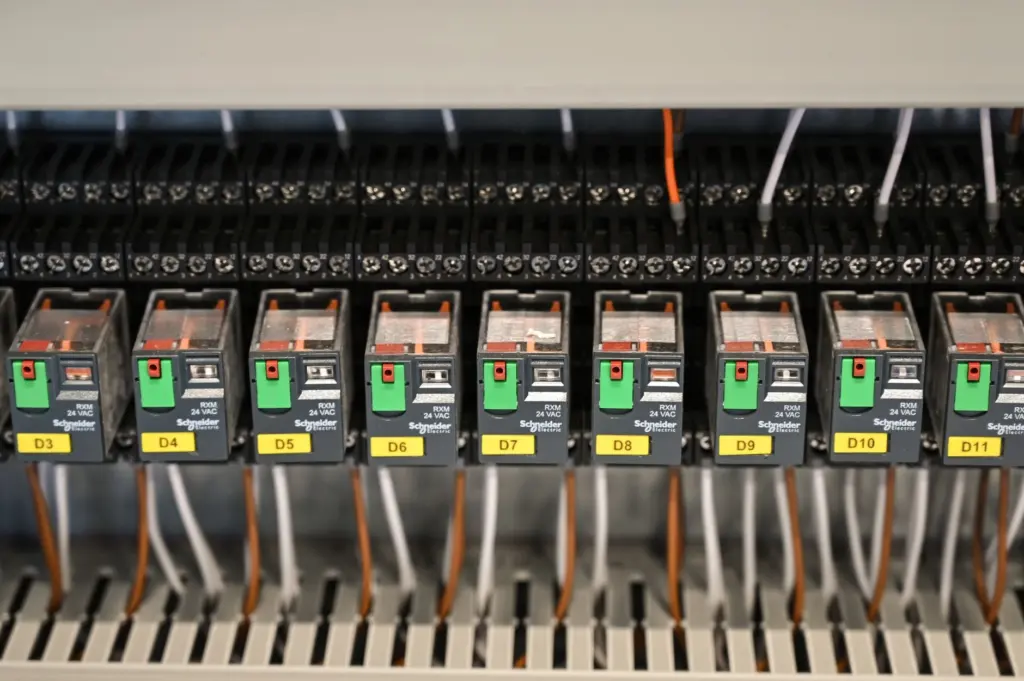
A safe timed watering cycle
The safest cycle is short pump bursts separated by waiting periods, with a fresh reading before each decision. Water takes time to spread through the pot, so a probe read straight after pumping will still look dry.
Cycle logic
- Read the sensor and convert the value to a percentage.
- If the percentage is above the dry threshold, do nothing and wait until the next check.
- If it is below, run the pump for one short burst.
- Switch the pump off and wait for the water to soak in.
- Read again, and repeat only if the soil is still below the wet target.
Cap the number of consecutive bursts in the sketch. If the percentage does not rise after several bursts, the reservoir may be empty, a tube may be blocked, or the probe may have moved. Stopping and waiting is better than pumping until the pot floods.
How often to check moisture
Check at spaced intervals rather than continuously. A long interval between checks is enough for a potted plant, and a pause after each burst prevents repeated pumping on a stale reading. Start long, watch how quickly the soil dries, and shorten the interval only if the plant dries out between checks. Because overwatering can cause root rot and reduced soil oxygen, a slow, cautious cycle serves the plant better than a fast one.
Water delivery
Run the tubing from the reservoir through the pump to the soil surface, and keep the outlet well away from the sensor’s electronics and the relay. Place the reservoir below or beside the electronics so a leak or an overflow cannot reach them.
Frequently asked questions
| Question | Answer |
|---|---|
| Should I read the analog or the digital output? | Use the analog output. The module listing describes it as the more accurate output, while the digital pin comes from an LM393 comparator and only switches at a preset level. |
| Will the capacitive sensor run on a 3.3V board? | The module accepts 3.3V to 5.5V, so it can. Check its timer chip, because an NE555 has a specified minimum of 4.5V and a TL555C is designed for 3.3V. |
| Can I put two sensors in the same pot? | Avoid it. Capacitive sensors interact when placed close together, which shifts the readings of both. |
| Can the Arduino drive the pump directly? | Switch the pump through a relay module instead. The pump is a separate load rated 3-6V DC, so give it its own supply and check its current against the relay module’s rating. |