If you have just unboxed an Arduino Uno, the best arduino projects for beginners add a single skill at a time: LED output, button input, sensor input, analog readings, then value mapping. A breadboard means no soldering is needed to start.
The order below follows that skill ladder, so each build reuses what the last one taught. Once the basics feel familiar, our arduino robotics projects show where the same skills lead.
Beginner projects ordered by the skill they add
The table lines up published beginner builds by the new idea each introduces. Work down it in order if you want every project to feel like a small step rather than a jump.
| Project | Skill it adds | Parts mentioned |
|---|---|---|
| USB flashlight | LED basics and soldering | LEDs |
| Memory game | Programming basics with inputs and outputs | Arduino Uno, LEDs, push buttons, buzzers, resistors, jumper wires |
| Motion detector | Reading a sensor to switch an LED | Arduino Uno, PIR sensor, resistors, LED |
| Chug timer | Pushbutton reset, sound and display output | Arduino Uno, FSR, pushbutton, piezo speaker, 7-segment display |
| MQ7 gas sensor | Analog input on an analog pin | MQ7 sensor, Arduino analog pin |
| Soil moisture sensor | Analog input from a variable resistor | Soil moisture sensor with two pads |
| RGB LED with the map function | Remapping sensor values to the range 0-255 | RGB LED, sensor |
Project details come from a beginner project roundup and from Circuito’s beginner guide.
Parts to have before you start
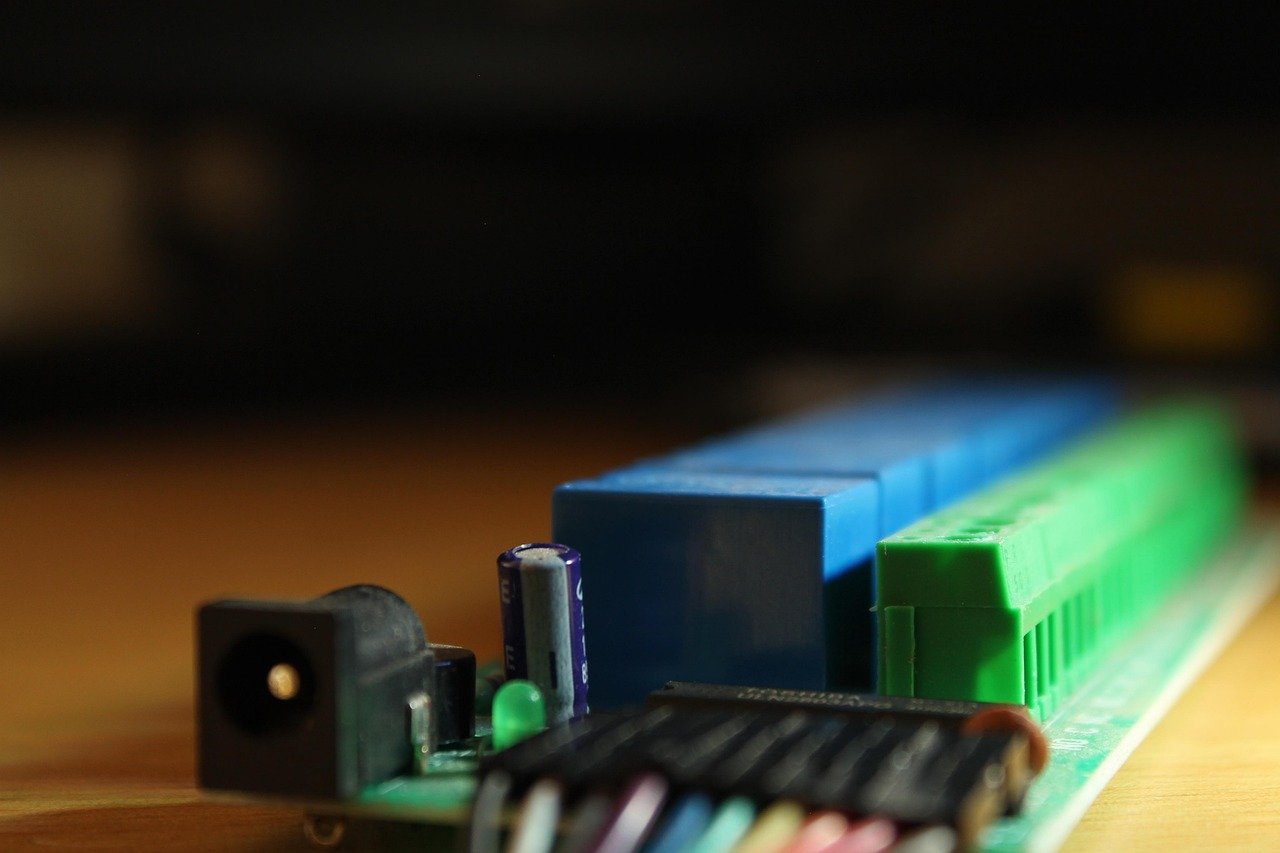
A starter kit earns its price by bundling the parts these projects keep asking for. The projects above call for an Arduino Uno, LEDs, resistors, push buttons, buzzers, jumper wires and a handful of sensors, so check a kit’s contents list against that set before buying.
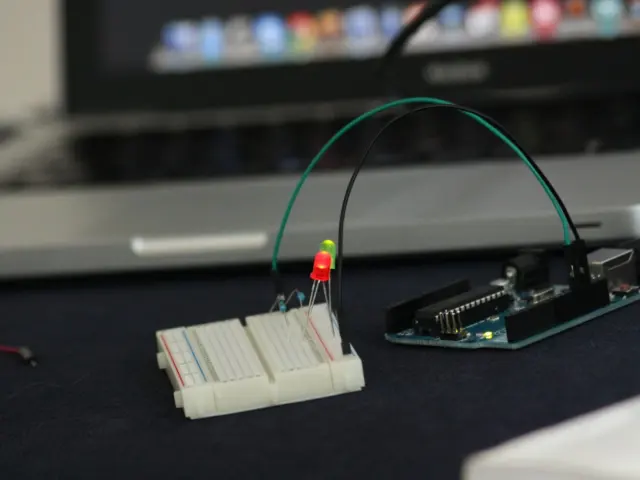
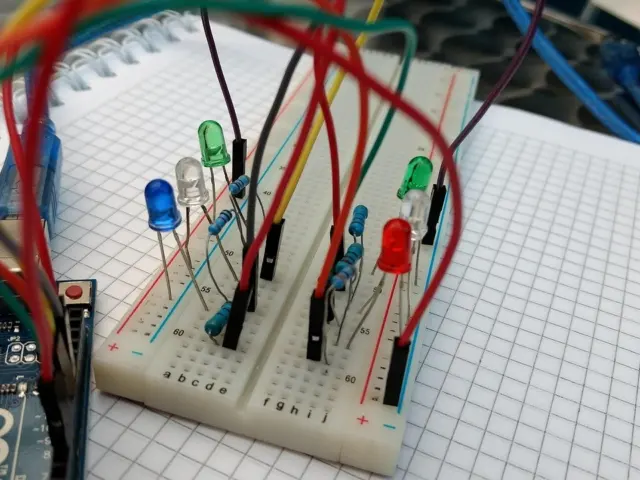
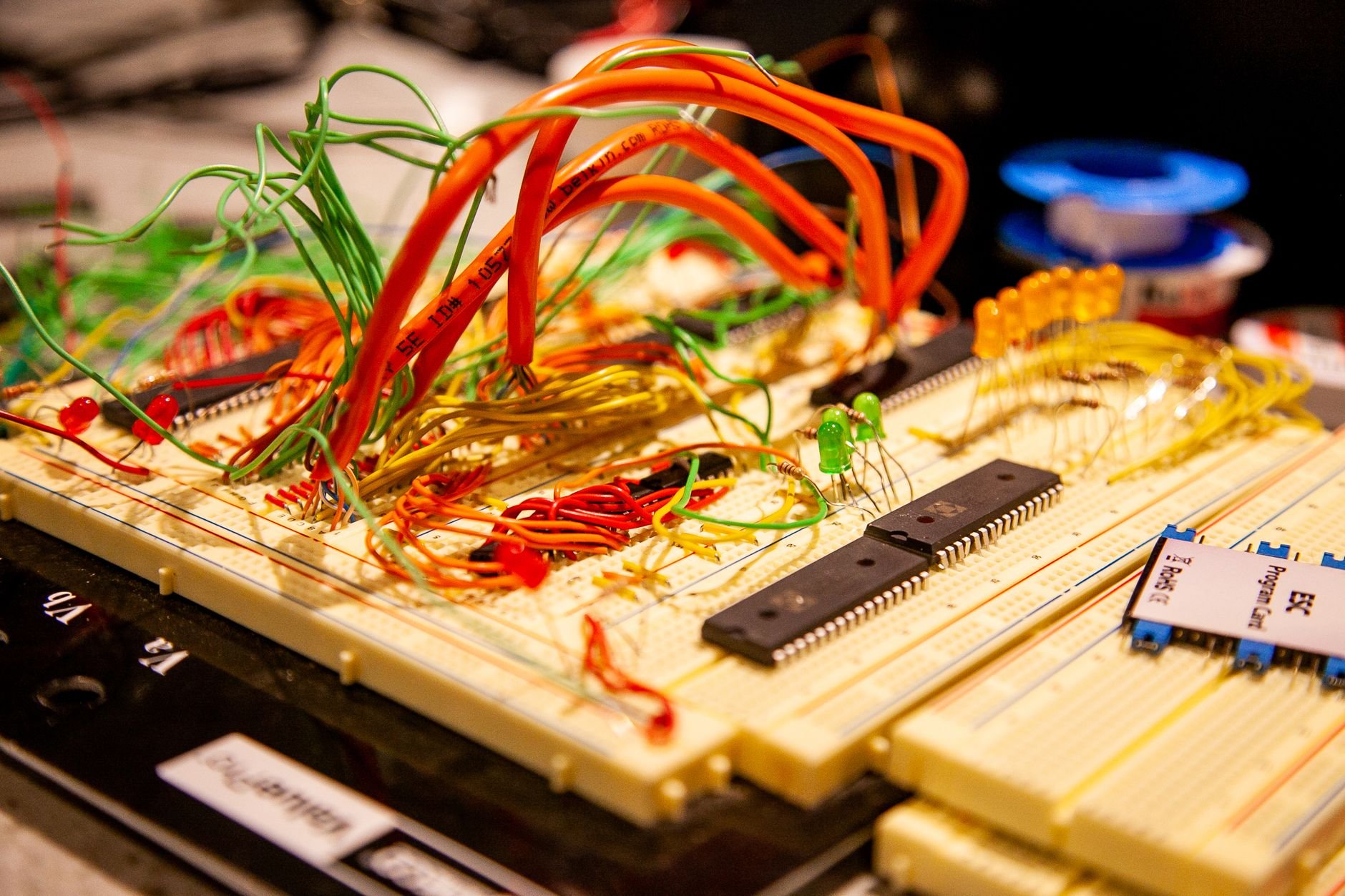
The breadboard is the most important item for a first-timer. Circuito’s guide describes breadboards as a prototyping tool that lets you test different wirings without soldering the parts together. That makes mistakes cheap: you pull a jumper wire out and try again.
- Core parts: an Arduino Uno, a breadboard, LEDs, resistors and jumper wires cover the first builds.
- Input parts: push buttons and a PIR sensor give you digital inputs to react to.
- Sound and display parts: buzzers or a piezo speaker and a 7-segment display add feedback beyond a single LED.
- Analog sensors: gas and soil moisture sensors are the usual first analog inputs, so a kit that includes some gives you room to grow.
Digital output: LEDs first
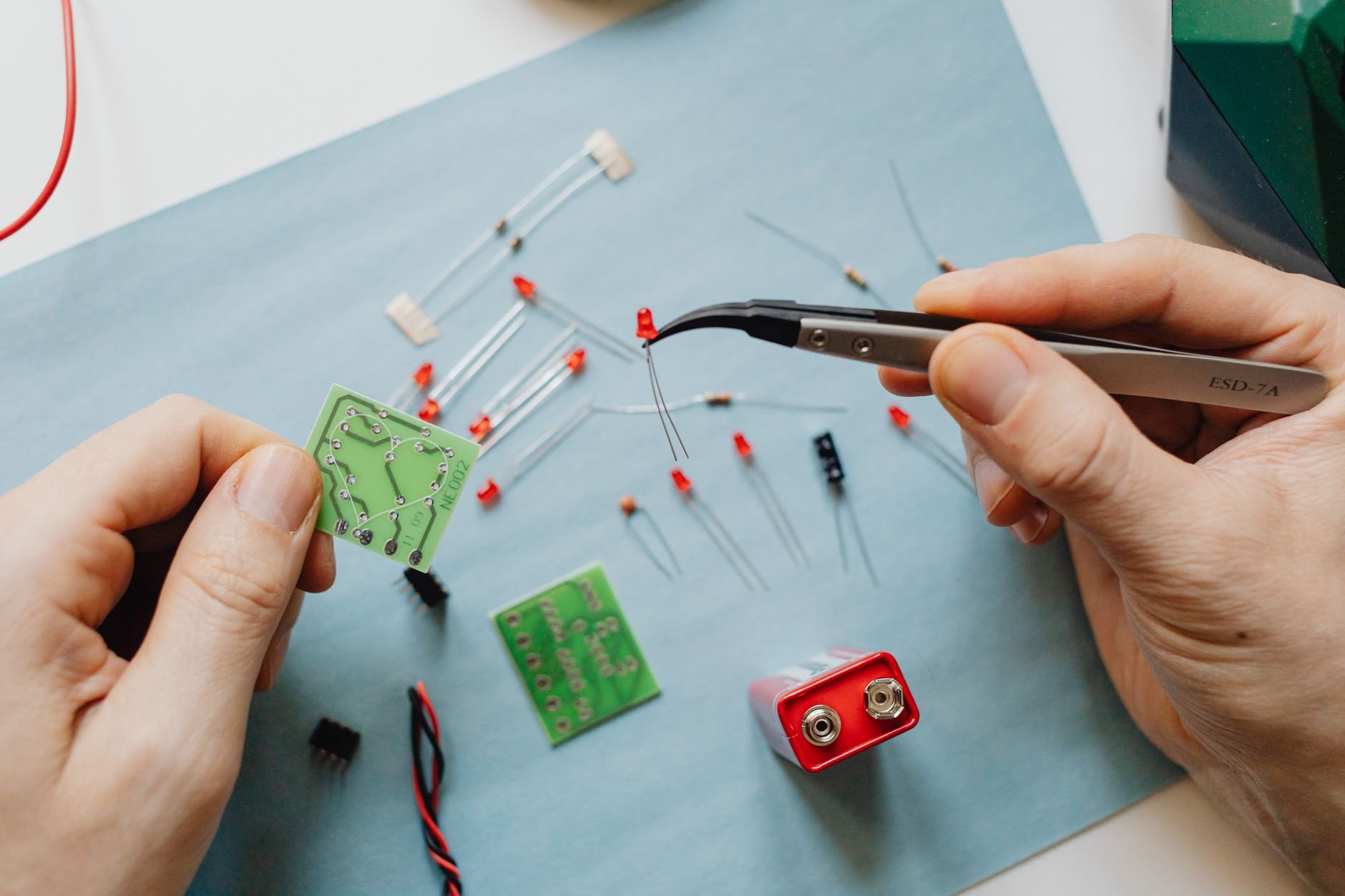
Lighting an LED is the right first project because it teaches output with almost nothing that can go wrong. You connect an LED and a resistor to the board, tell the program to switch the pin on and off, and see the result at once.
A USB flashlight project built from LEDs is described as an introduction to the basics of LEDs and soldering. It suits you if you already own a soldering iron and want a finished object. If you do not, build the same LED circuit on a breadboard first and leave soldering for later.
The limitation of this stage is that nothing reacts to you. The circuit only follows the program, which is why the next projects add inputs.
Digital input: pushbuttons and the memory game
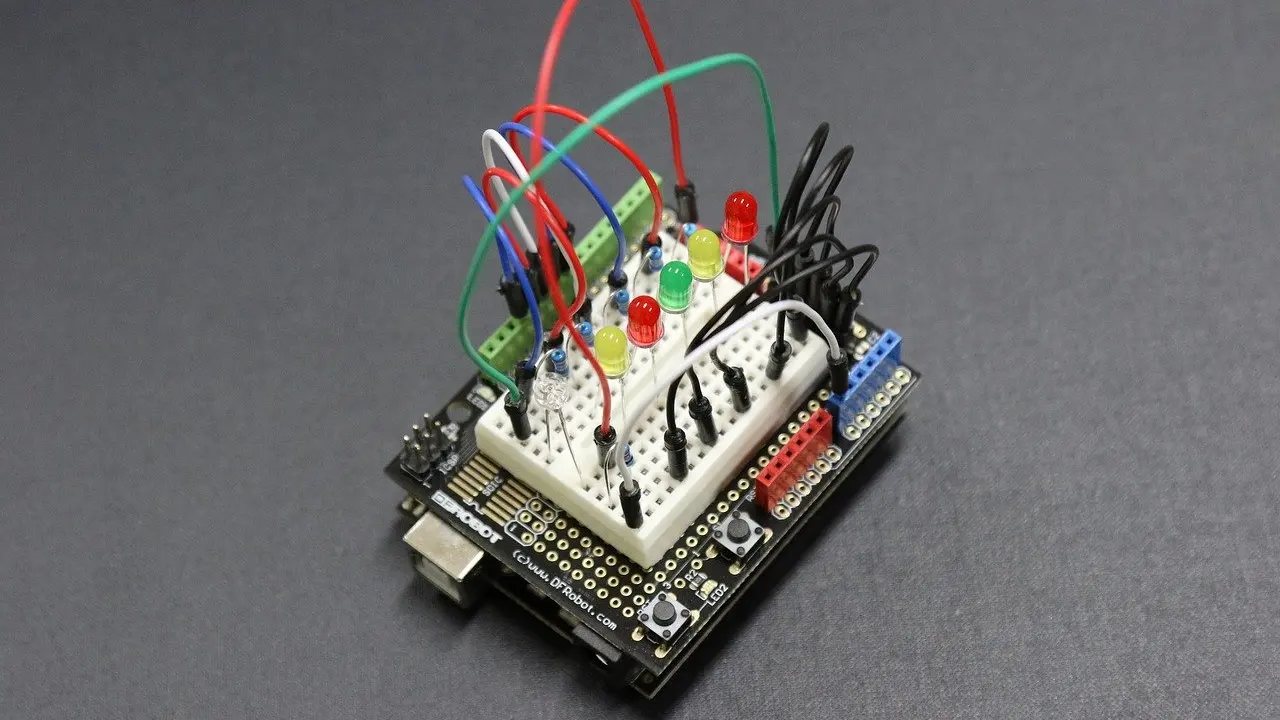
A pushbutton turns your sketch into something that responds. The memory game in the beginner roundup uses an Arduino Uno with LEDs, push buttons and buzzers, and is presented as a way to learn the basics of Arduino programming.
This project suits you once a single LED feels easy. It combines the two skills you have met so far: reading a button and driving several outputs from decisions in your code. Expect the wiring to take longer than the first project, so build one button and one LED, test them, then repeat the pattern.
A smaller button use appears in the chug timer from Circuito’s guide, where the pushbutton resets the time. It is a useful reminder that a button can do something simple and practical, such as restarting a count, without forming a whole game.
Sensor input: a PIR motion detector
A motion detector is the natural step from buttons to sensors, because the PIR sensor plays the role the button played. The roundup describes hooking up an Arduino Uno so that an LED lights up at the wave of your hand, using a PIR sensor, resistors and an LED.
It suits builders who want a result that feels like a real device. The trade-off is that sensor behaviour is less predictable than a button press, so you spend more time testing and adjusting than wiring.
Analog input: gas and soil moisture sensors
Analog input is the biggest conceptual change for beginners, because a pin no longer reads simply on or off. Instead it reads a range of values. Circuito’s guide notes that the MQ7 gas sensor gives an analog output, so it connects to an analog pin of the Arduino.
The soil moisture sensor is a gentler first analog project. It is analog and behaves as a variable resistor, and the more water there is in the soil, the better the conductivity between its two pads, so a wetter sample gives a higher output signal. That behaviour is easy to check by testing a dry and a damp sample.
When you wire either sensor, print its readings to the computer over the serial connection. Seeing the numbers change tells you whether the sensor and your wiring are doing what you expect, before you build any logic on top of them.
Mapping values: RGB LED, servo and potentiometer
Raw sensor numbers rarely match what an output expects, and the map function solves that. It re-maps numbers from one range to another, and Circuito’s guide uses it to map sensor values to the range 0-255 for an RGB LED.
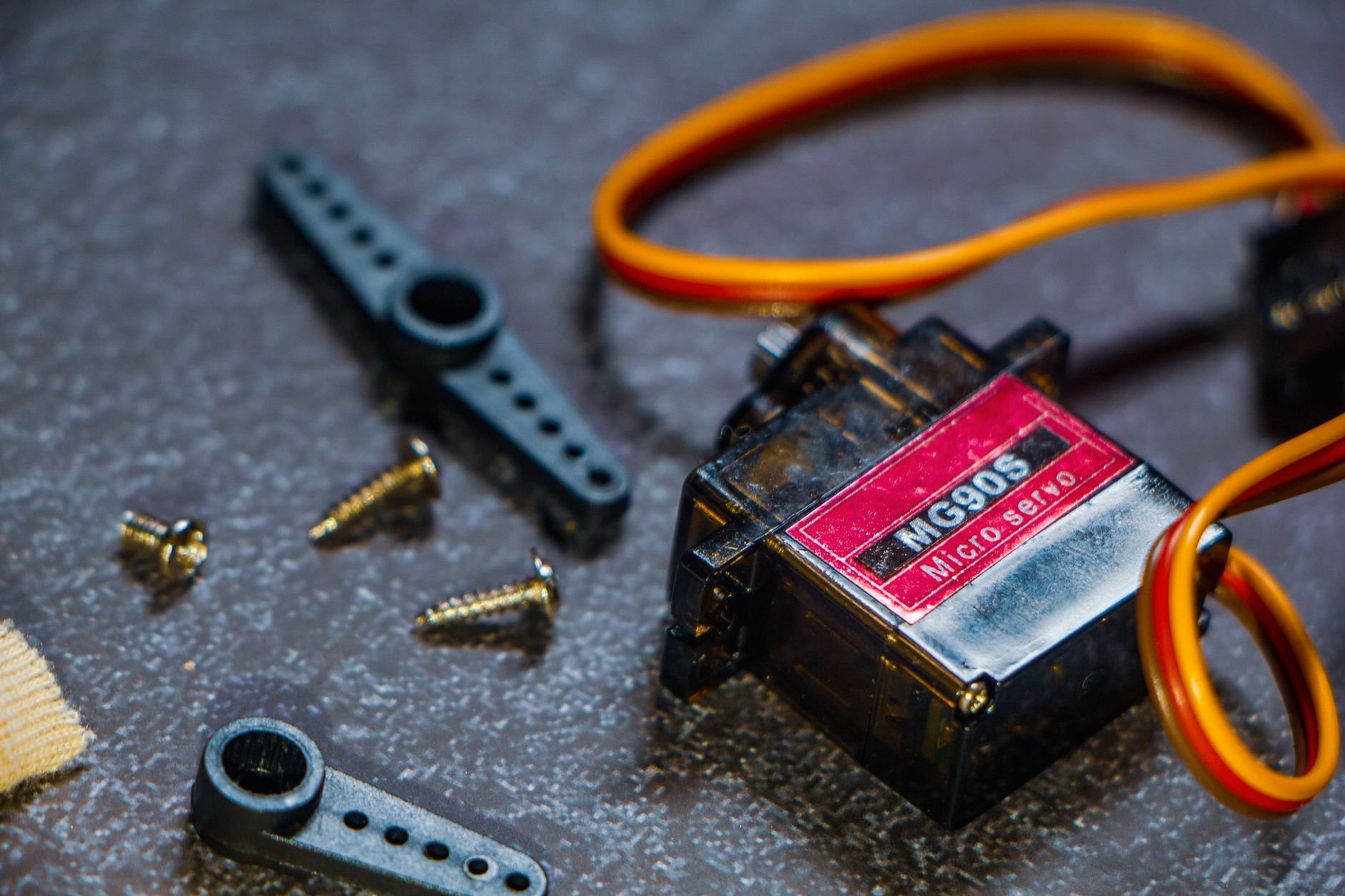
This stage suits you once analog readings feel comfortable. The same idea carries over to a servo controlled by a potentiometer: you turn a knob, the program converts the reading into a position for the servo, and the motor follows. It is also the stepping stone to robot builds, since moving parts are where most robotics projects begin.
If you want a different kind of input at this level, wireless control is a good next topic, and our guide to arduino ir remote control picks up there.
Arduino Uno or Nano for a first purchase
Buy the Uno first. Every project above that names a board uses the Arduino Uno, so you can follow those builds as written without translating wiring between boards.
The Nano is the compact alternative. It becomes worth considering once you have a finished circuit that needs to fit into a small enclosure, and by then you will know which pins and parts your project actually uses. Choose the Nano early only if your goal is a small permanent build rather than learning, and check any kit’s contents list so the board matches the breadboard and parts you plan to use.
If you are also weighing a Raspberry Pi for the same goal, our comparison arduino vs raspberry pi for robotics sets the two platforms side by side.
Choosing your order
- Collect the core parts. Get an Uno, a breadboard, LEDs, resistors and jumper wires.
- Light an LED. Confirm your board, cable and wiring work before adding complexity.
- Add a pushbutton. Move to the memory game once buttons and several outputs feel familiar.
- Add a sensor. Try the PIR motion detector, then an analog sensor such as soil moisture.
- Remap values. Use the map function to drive an RGB LED or a servo from a sensor reading.
- Pick a direction. Move into robotics, remote control or a compact Nano build depending on what you enjoyed.
Frequently asked questions
What are the best first Arduino projects?
Start with an LED circuit, then add a pushbutton, then a sensor. The memory game and the PIR motion detector are good follow-ups because both use the Uno with LEDs and simple parts.
What do I need in a starter kit?
Look for an Uno, a breadboard, LEDs, resistors, push buttons, buzzers and jumper wires. Sensors such as a PIR or soil moisture sensor let you reach later projects without another order.
Do I need to solder?
Not to begin. A breadboard lets you test different wirings without soldering the parts together, so soldering can wait until you want a permanent build such as the USB flashlight.
Which skills does each project teach?
LED builds teach output, the memory game teaches programming with buttons and buzzers, the PIR detector teaches sensor input, the gas and soil sensors teach analog reading, and the RGB LED project teaches remapping values with the map function.