| Symptom | First action | Planning use |
|---|---|---|
| Motor buzzes or twitches without turning | Measure resistance across the wire pairs and re-pair the leads | Wire order on the connector varies between manufacturers, so confirm coil pairs before applying power |
| Arduino resets or the motor feels weak | Move motor power to an external supply and join all grounds | Arduino pins cannot supply the voltage or current needed to drive a motor directly |
| Nothing moves when the sketch runs | Check that the step pin is pulsed HIGH then LOW and the direction pin is wired | One HIGH-then-LOW pulse on the step pin moves the motor one step |
| Shaft turns the wrong distance | Check steps per revolution and the driver’s microstepping setting | Both settings change how many pulses a full turn needs |
The wiring and driver behaviour above follow the NYU ITP step-and-direction driver lab and Rachel De Barros’s stepper guide.
Arduino stepper motor control comes down to a driver that takes step and direction signals from the Arduino, a separate motor supply, and correct coil wiring. Get those right and a stepper motor turns reliably.
This guide is for anyone adding a stepper to a build and wanting a working setup rather than a pile of part numbers. It sits alongside the other builds in our arduino robotics projects collection.
How a stepper motor responds to Arduino signals
A stepper motor moves in fixed increments, so you control position by counting pulses rather than by measuring the shaft. Steppers can be positioned without any encoder feedback, according to Superdroid’s stepper tutorial. That is the main reason they suit printers, sliders and other repeatable positioning jobs.
The Arduino does not drive the coils itself. Arduino pins cannot supply the voltage or current needed to drive motors directly, so a stepper driver sits between the board and the motor. A step and direction driver needs just 2 control pins: one for step and one for direction. Pulsing the step pin HIGH then LOW moves the motor forward one step, and the direction pin decides which way it goes, as the NYU ITP lab describes.
If you are comparing this with a brushed motor, the arduino l298n motor driver guide covers speed and direction control without step counting. If you later want an independent check on shaft position, an arduino rotary encoder is the usual addition.
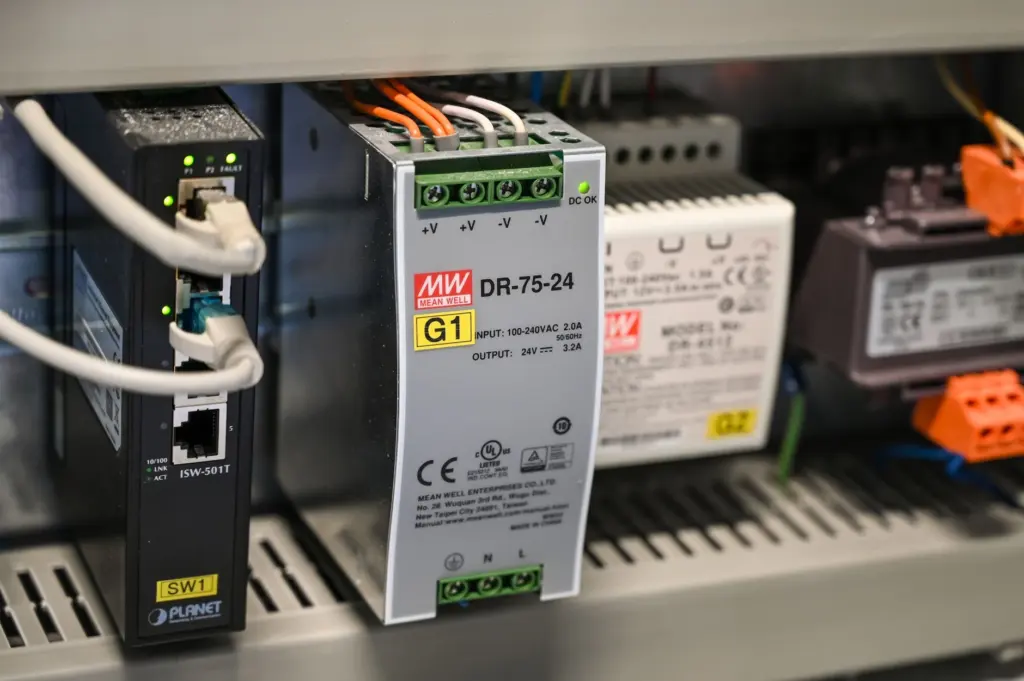
Steps per revolution and driver settings
Common step motors have 100 or 200 steps per revolution, which is 3.6 or 1.8 degrees per step, according to Superdroid. Read your NEMA 17’s label or datasheet for its own step angle, because that figure sets how many pulses a full turn needs.
Gearing changes the count at the output shaft. The geared starter motor in the NYU lab has 32 steps per revolution and a 1/16 reduction gearbox, giving 512 steps per output turn. The 28BYJ-48 that Rachel De Barros describes needs 2048 steps for the output shaft to complete a full turn.
Microstepping
Microstepping is a setting on the driver, usually set via dip switches, that lets one step input move the motor by a fraction of a full step. Some step and direction drivers go as fine as 1/256 of a step. Finer settings give smoother motion but mean your sketch must send more pulses for the same angle, so change the setting and the code together.
Current and voltage limits
Match the driver to the motor’s rated current, not the other way round. The STSPIN220 example in the NYU lab accepts a motor supply from 1.8 to 10 V and controls an output current of 1.1 A per coil. A driver with that ceiling is a fit only for motors whose rated coil current stays within it. Check both figures on the driver’s datasheet before you buy a supply.
Finding which wires belong to each coil
Do this check before connecting anything to the driver, because the sequence of wires on a motor connector may vary from one manufacturer to another. A multimeter in resistance mode is enough.
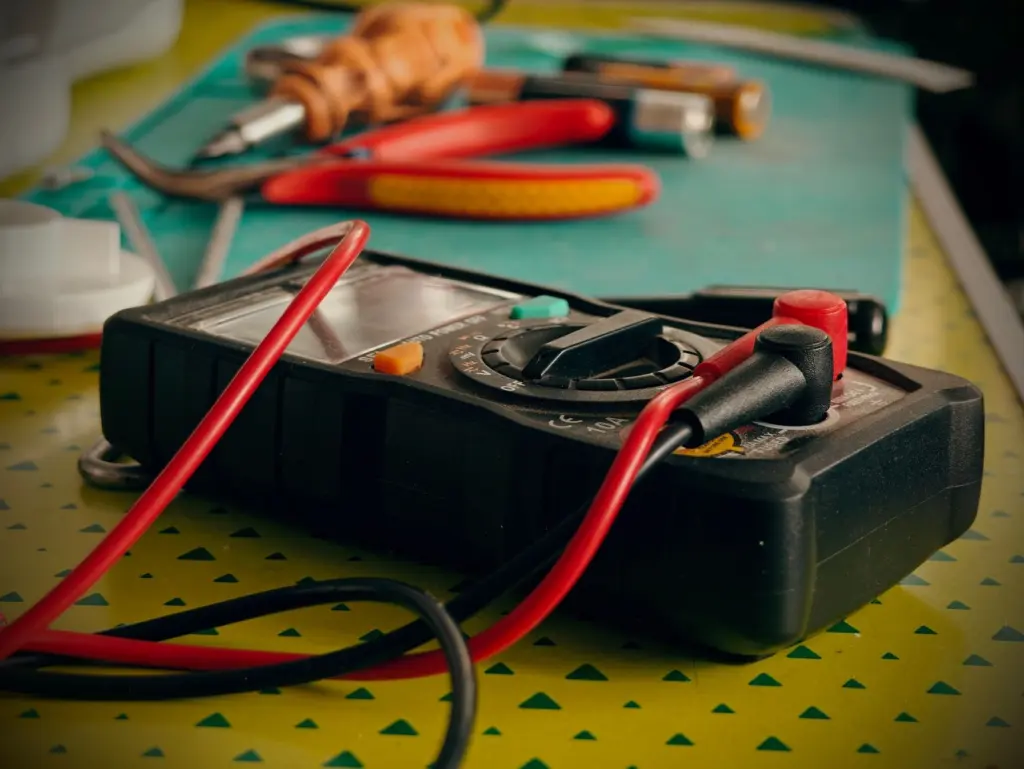
- Touch the meter leads to a pair of motor wires and note the reading.
- Try each other pairing until you find the pairs that read a resistance.
- Label each matched pair as one coil, using tape or a marker.
- Connect each labelled pair to one coil output on the driver.
Reading unipolar and bipolar motors
The NYU lab’s unipolar example reads approximately 22-24 ohms between the red centre wire and each other wire, and about 42-45 ohms across each coil pair. Treat those as one motor’s values, not targets. Your motor’s figures will differ, and what matters is which wires pair up.
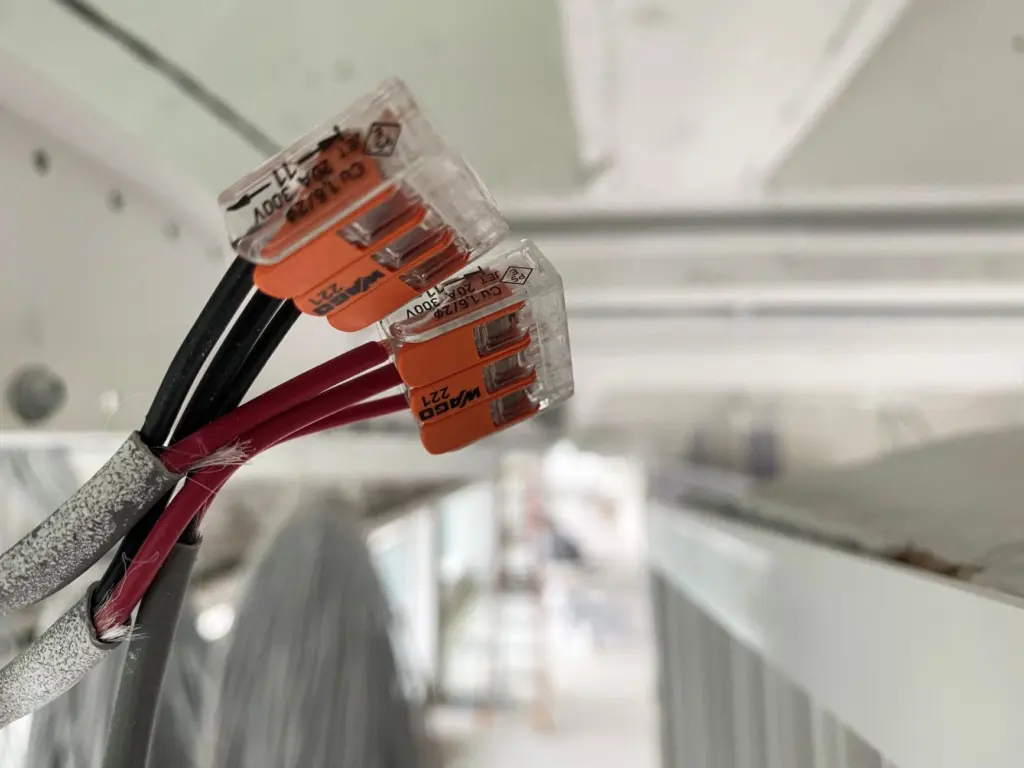
If you do not connect the centre connection, the motor works like a bipolar stepper. That is how you run it from a standard step and direction driver.
Wiring a NEMA 17 to an Arduino Uno
A bipolar NEMA 17 is the usual choice for a bench build. One Arduino forum project, for example, pairs a bipolar NEMA 17 with a TB6560 driver and 2 limit switches, running from a 12 V SMPS. The pattern is the same for any step and direction driver: the Arduino sends signals, the supply feeds the motor, and the driver connects them.
- Control side: connect the driver’s step and direction inputs to two free digital pins on the Uno, and define the same pins in your sketch.
- Motor side: connect each labelled coil pair to its own coil output on the driver.
- Power side: feed the driver’s motor supply input from the external supply, not from the Arduino.
- Ground: join the Arduino, driver and supply grounds. If they do not share a common ground, signals become unreliable.
Some small drivers use a keyed plug instead of bare leads. With the ULN2003 board used for the 28BYJ-48, the 5-pin plastic connector goes into the header labelled Motor, so there is no coil pairing to work out. For a NEMA 17 you will usually join loose motor leads to screw terminals or connectors.
Power the driver up with the sketch not yet running. Confirm the motor holds its position, then send a few step pulses. If it only buzzes, return to the coil pairing check.
Powering the motor
The supply must suit the driver’s range and the motor’s rated current, and it must be separate from the Arduino’s own supply for anything beyond a tiny starter motor. The NYU lab notes that its small geared starter motor can run on the current and voltage the Arduino supplies. Rachel De Barros takes the safer line for the 28BYJ-48: it operates on 5 V, but do not power it directly from the board, and she uses a 5 V 2 A wall adapter.
For a NEMA 17 the practical rule is to pick the supply voltage from the driver’s datasheet range and size its current for the motor. The forum build above used 12 V, which fits a driver with a supply range that includes it. The STSPIN220 example would not, since its range tops out at 10 V. Check the driver before assuming a familiar supply will fit.
Stepper or servo: which to choose
Choose a stepper when you want controlled positioning at low cost without extra position hardware. Steppers tend to be less expensive than servos, and Superdroid calls them a good option for position control. They can be positioned without any encoder feedback.
- Pick a stepper for repeatable moves counted in steps, such as sliders, dispensers and small positioning axes, where open-loop counting is acceptable.
- Add an encoder to a stepper if you want to confirm the shaft actually reached its position, which the stepper itself does not report.
- Consider a servo when your design depends on feedback built into the motor system rather than on counted steps. The no-encoder advantage above is what you give up.
- Stay with a DC motor if you only need rotation and speed, not position.
Frequently asked questions
| Question | Answer |
|---|---|
| Do I need to unplug the motor to upload a sketch? | Yes. The NYU ITP lab advises disconnecting the motor before uploading and reconnecting it afterwards. |
| Should I add a capacitor near the driver supply? | It is common to add a decoupling capacitor of 10-100 µF near the driver’s voltage input, as the NYU lab notes. |
| How much current does a 28BYJ-48 draw? | Around 240 mA, according to Rachel De Barros’s guide. |
| How do I connect a ULN2003 board to an Uno? | Connect IN1 to IN4 to pins 8, 9, 10 and 11 on the Uno. The board can handle up to 500 mA per channel. |